
屏幕快照
介绍
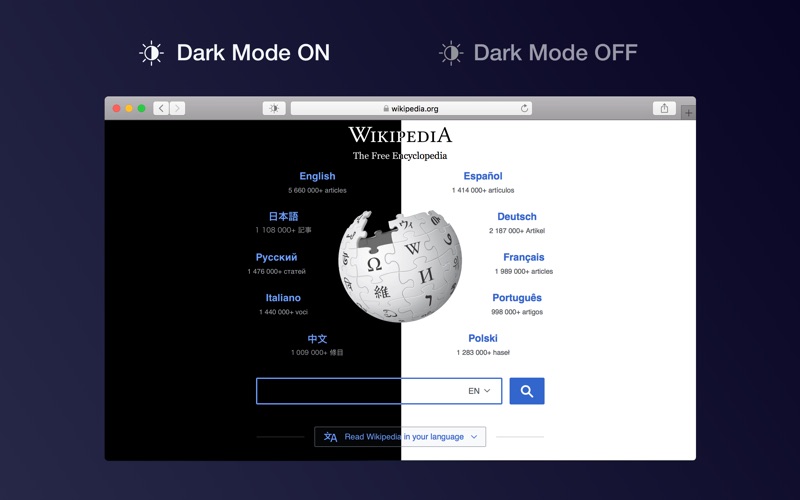
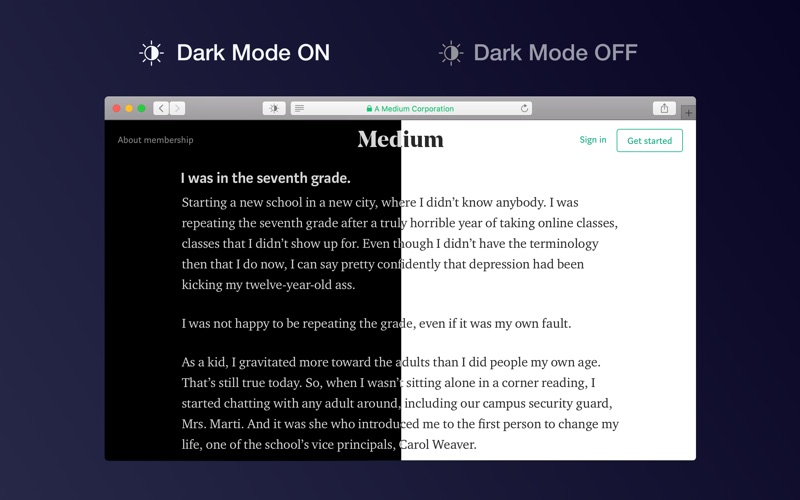
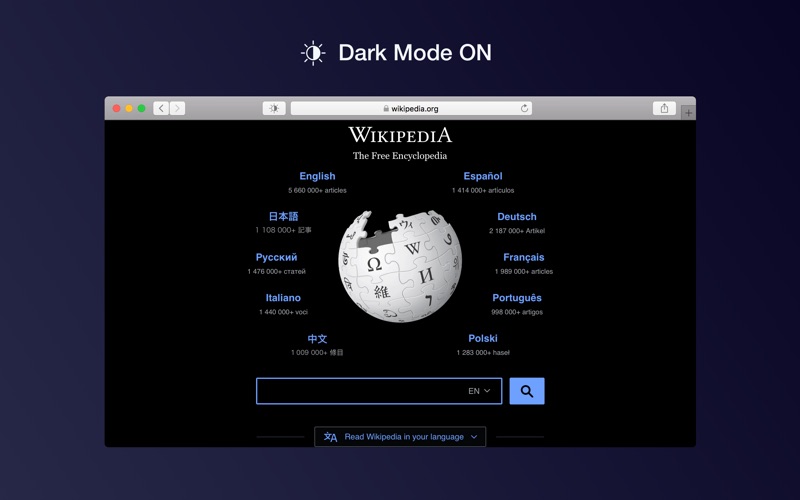
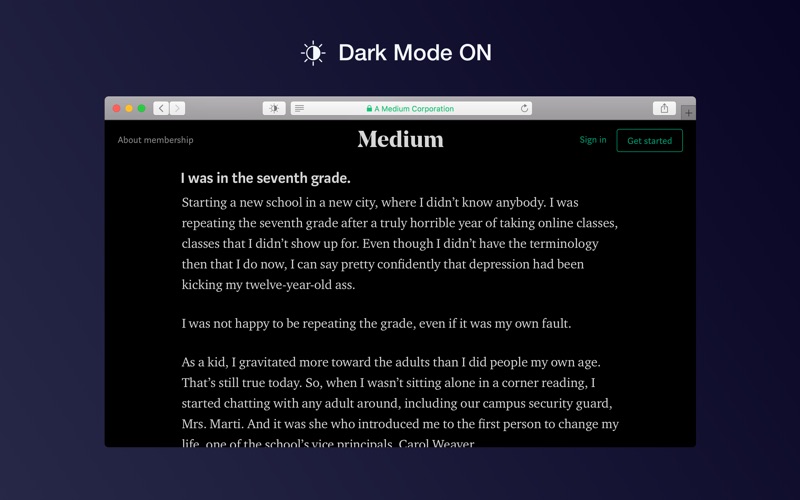
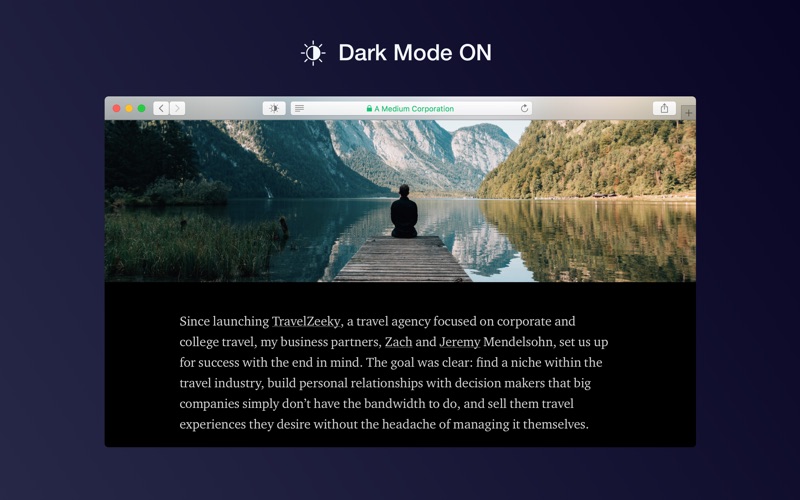
Dark Mode makes browsing more comfortable, enjoyable, and cool by changing the colour scheme to make web pages easier to read. It’s especially useful if you work at night or in low-light environments, or want your browser to match the appearance of macOS Dark Mode.

HOW TO USE IT
• Once you activate the extension, all websites will display a darker theme. You can activate the extension manually, schedule it, or set it to turn on automatically when macOS Dark Mode is active
• Click the toolbar button to switch to a softer theme, choose an e-ink (paper) theme, or cover the page with a translucent curtain
• You can apply dark mode only to selected websites and disable it for any site

FEATURES
• A simple and powerful Safari extension
• Choose from five themes: Dark, Mono Dark, Soft Dark, Dark Curtain and Paper (E-Ink)
• Activate the extension manually, on a schedule during your preferred night-time hours, or automatically when macOS Dark Mode is on
• You can exclude any website or apply Dark Mode only to selected websites
• Use keyboard shortcuts to toggle Dark Mode:
- Command + Option + K: Toggle temporarily (until the page is refreshed)
- Command + Option + P: Toggle permanently

SUPPORT
We read your support emails every day, day by day.
Write with confidence any question, feedback, or complaint, and you will receive an answer in a very short period of time.
